Message Anyone on WhatsApp — No Contact Needed
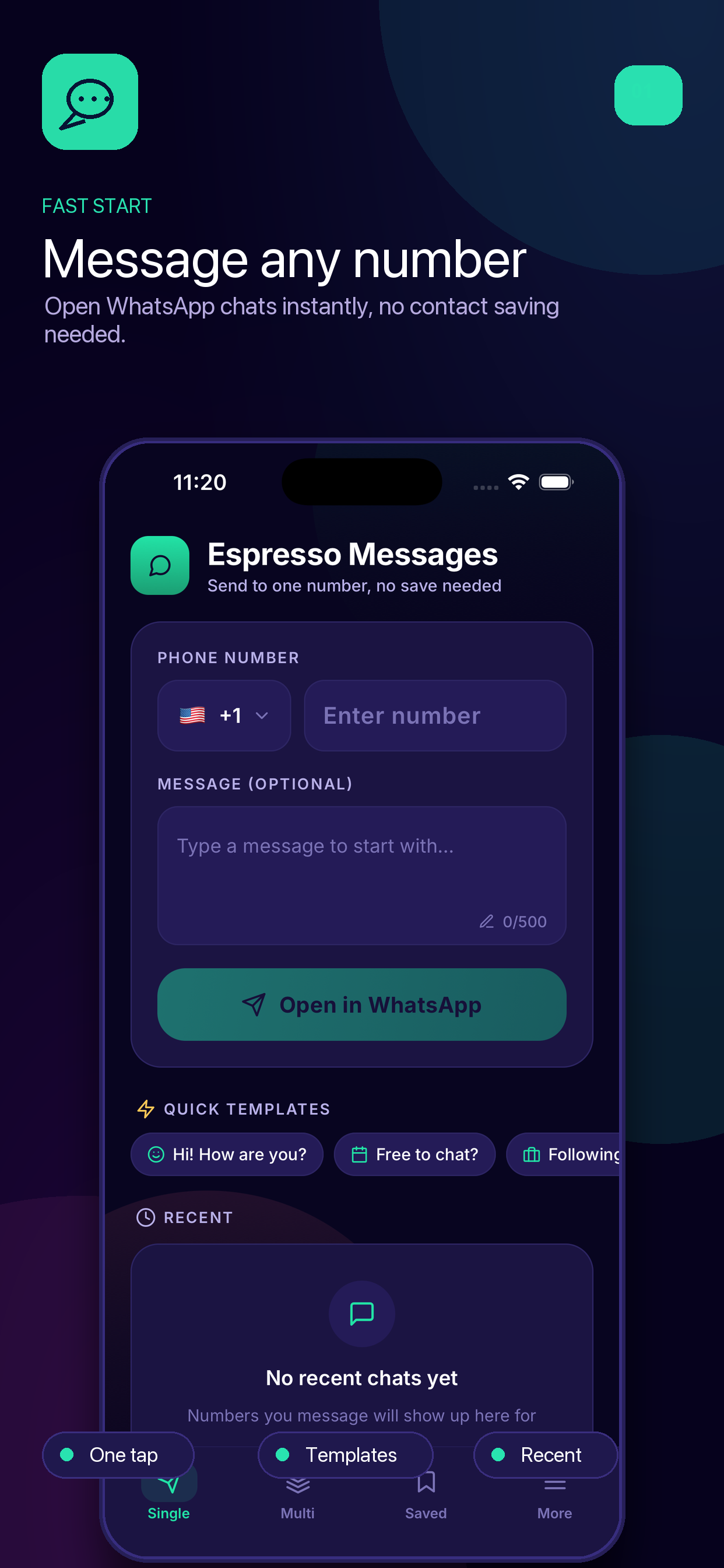
Espresso lets you open a WhatsApp conversation with any phone number, instantly. No saving. No hassle.
Loved by thousands of users
Phone Number
Everything You Need
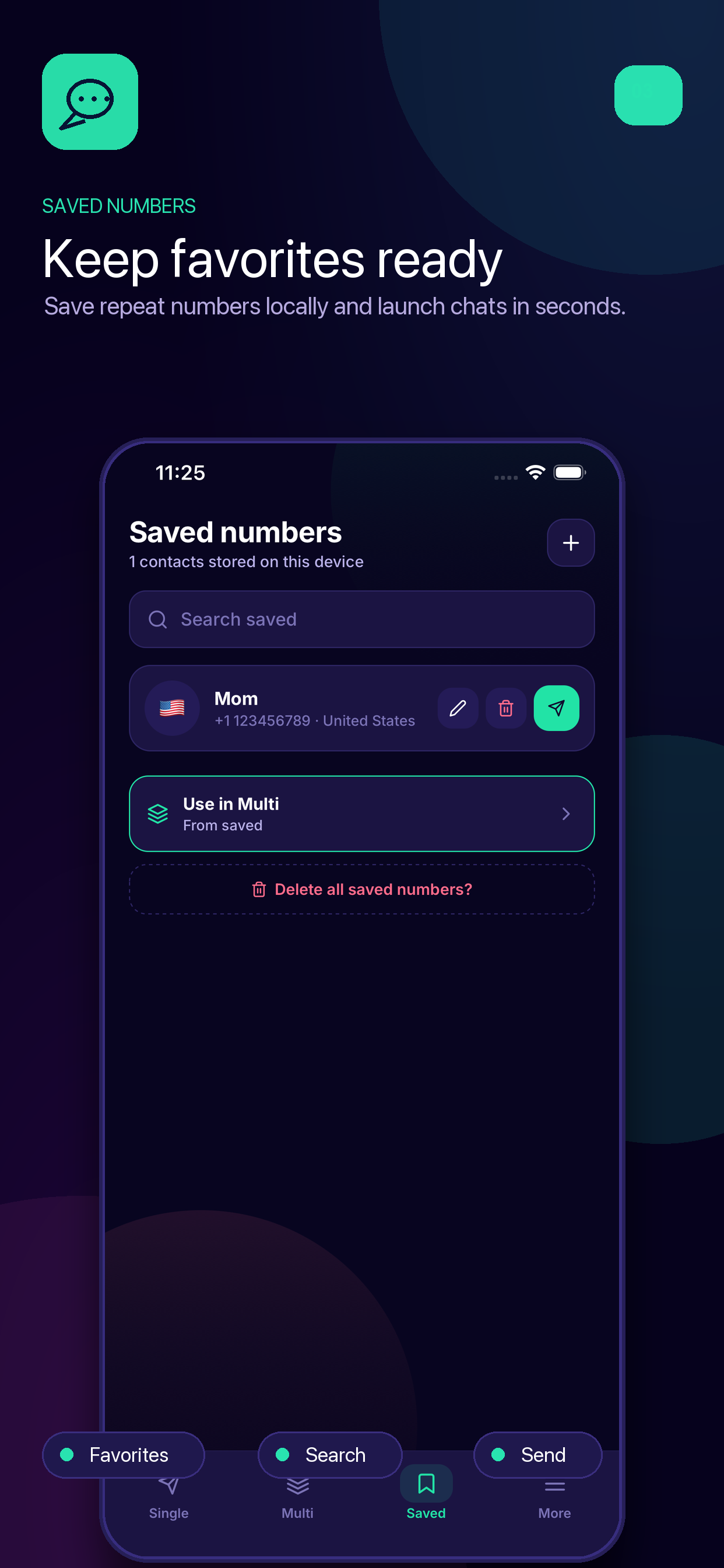
Message without saving
Type or paste any phone number and open a WhatsApp chat instantly.
WhatsApp & Business
Fully compatible with both WhatsApp and WhatsApp Business.
Smart clipboard detection
Copy any number and Espresso instantly offers to open a chat.
Message yourself
Save links, images, and notes to your own WhatsApp chat.
One tap, instant chat
No steps, no friction. Just tap and start chatting.
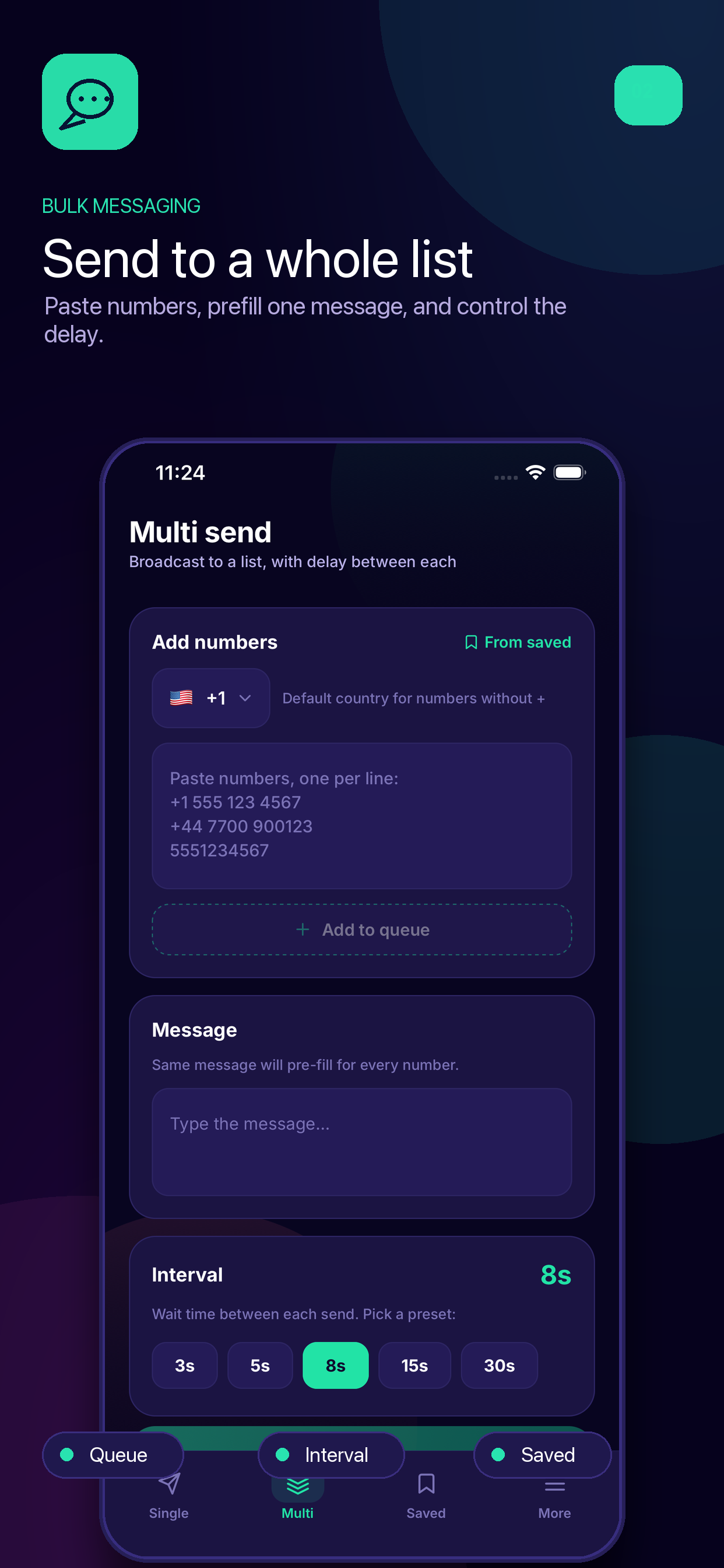
Multi-Send to many
Paste a list of numbers and send your message to all of them at once — no contacts needed.
Send to Many. Save No One.
Paste a list of numbers, write your message once, and Espresso blasts it across every WhatsApp conversation in seconds.
Your message
Recipients
How It Works
1. Copy any number
From your call log, a text message, or a website.
2. Open Espresso
Espresso automatically detects the copied number.
3. Start Chatting
One tap opens a direct WhatsApp chat with that number.
See It in Action
screenshotsSubtext
Works With Business
Whether you use normal WhatsApp or WhatsApp Business, Espresso works perfectly with both. Switching between them is just a tap away.